

Special and Survival game mechanics
This section of documentation deals with Special and Survival mechanics that cannot be classified into other categories.
Crystals
Section titled “Crystals”Stargate technology is based on crystal technology. Therefore, in addition to basic materials such as iron, copper, redstone, naquadah, you will also need crystals. These crystals can be obtained in several ways:
- By finding and mining a geode that contains crystal buds, clusters, crystal blocks, and budding blocks
- By finding a free-standing budding block on which buds and clusters grow
- By growing crystals using budding blocks
All stages of crystal growth
Section titled “All stages of crystal growth”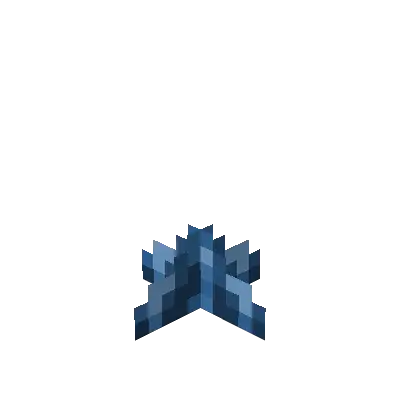 | 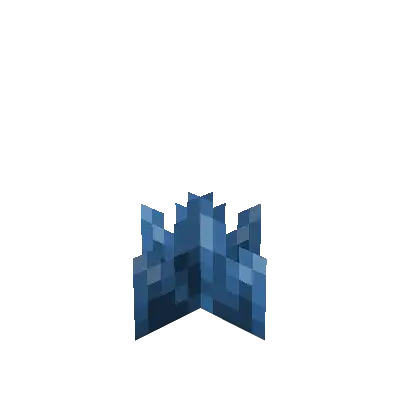 | 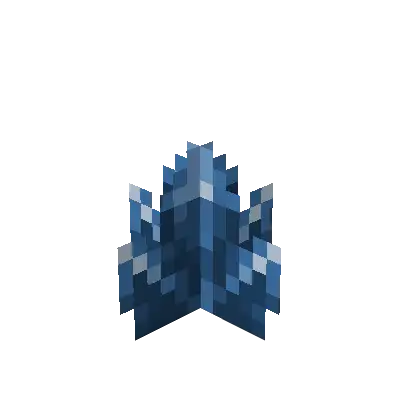 | 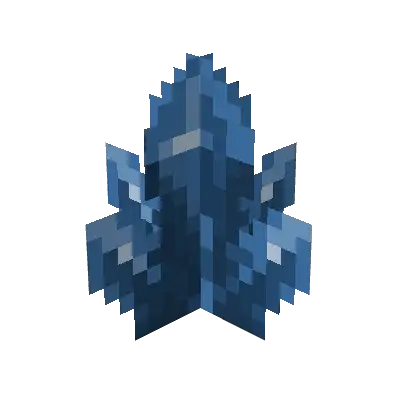 |
You can obtain a random number and size of crystals after mining certain crystal development stages:
- Small Bud: 1x small crystal
- Medium Bud: 1-2x small crystal
- Large Bud: 0-1x crystal, 2x small crystal
- Crystal Cluster: 1x crystal, 2-3x small crystal
The resulting number of dropped crystals can be increased if you use a pickaxe with the Fortune enchantment! You can also get these development stages if you use a pickaxe with the Silk Touch enchantment!
All crystal types
Section titled “All crystal types” | 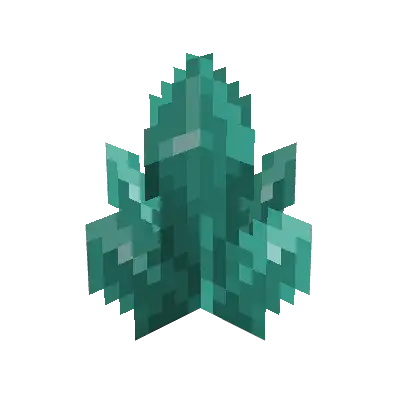 | 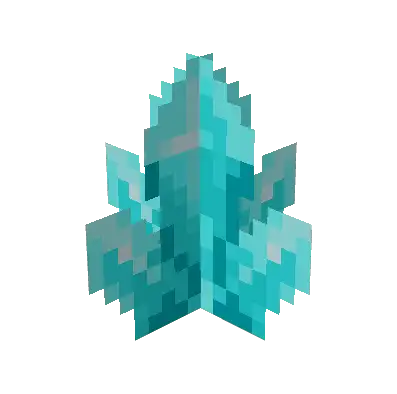 | 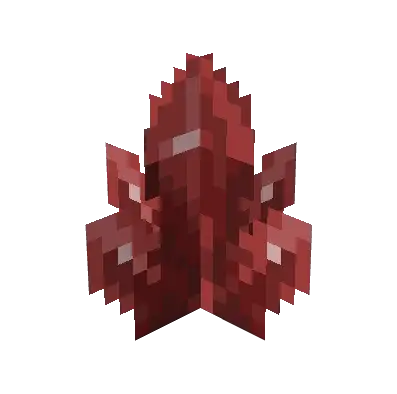 | 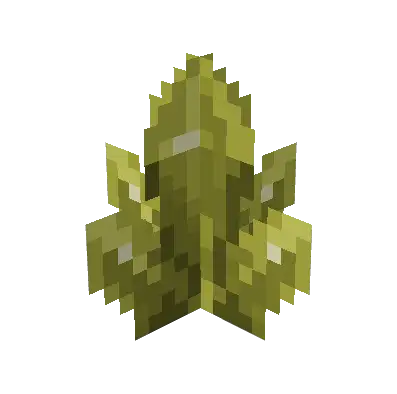 | 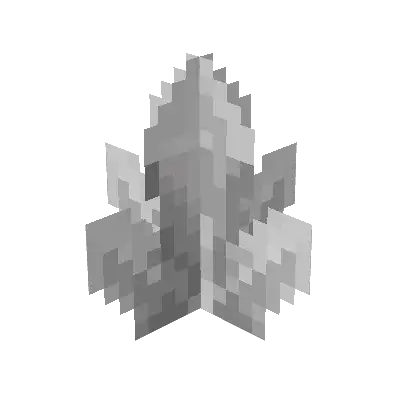 |
Each type of crystal listed above generates in a specific set of biomes. Each set has its own biome tag:
- Blue crystal:
#has_crystals_blue - Ender crystal:
#has_crystals_ender - Pegasus crystal:
#has_crystals_pegasus - Red crystal:
#has_crystals_red - Yellow crystal:
#has_crystals_yellow - White crystal:
#has_crystals_white
Biomes specified in these tags by default can be found at: Configuration/tags
Budding blocks
Section titled “Budding blocks”Unlike Amethyst budding blocks, which do not drop anything when mined, JSG budding blocks drop crystal seeds and a 50% chance of basic material (the block from which the crystal seed crystallised and transformed into a budding block).
Budding blocks
Section titled “Budding blocks”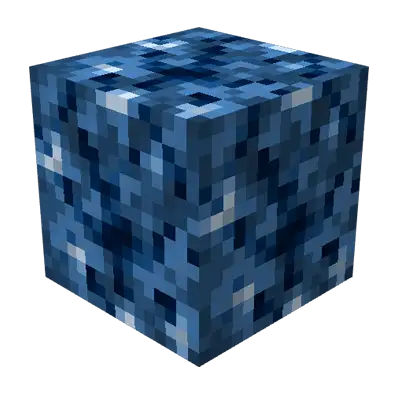 | 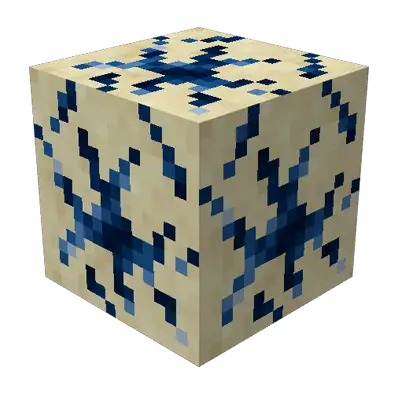 | 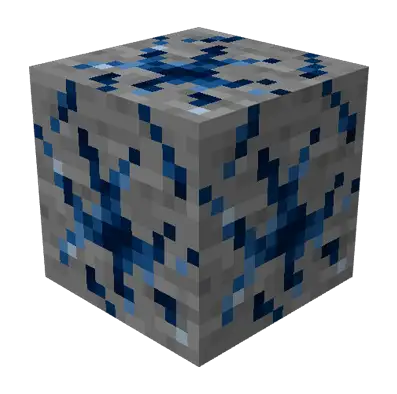 | 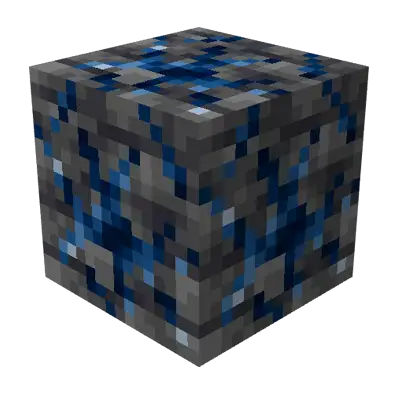 | 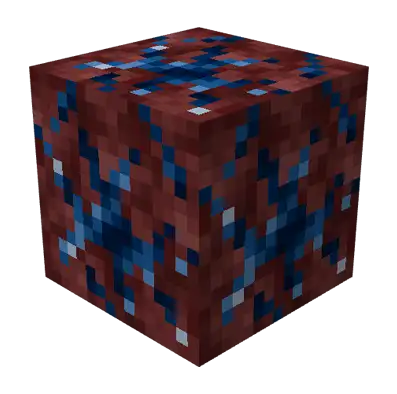 | 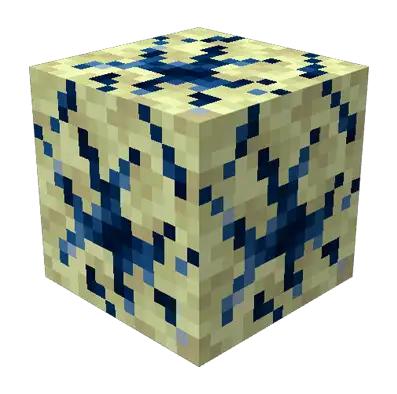 |
Base materials for crystallisation
Section titled “Base materials for crystallisation”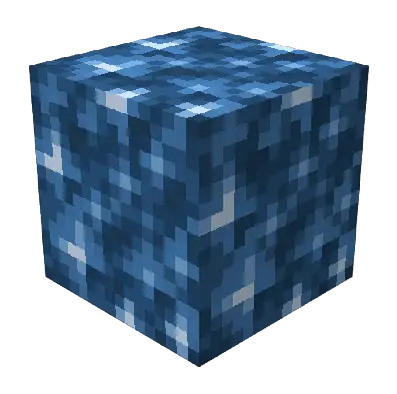 | 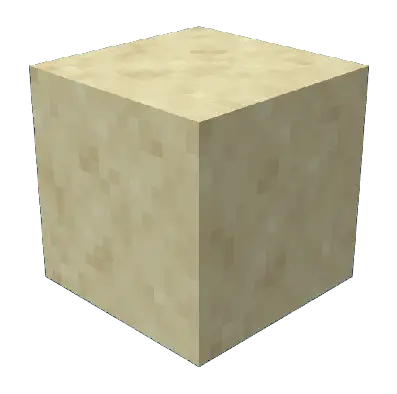 | 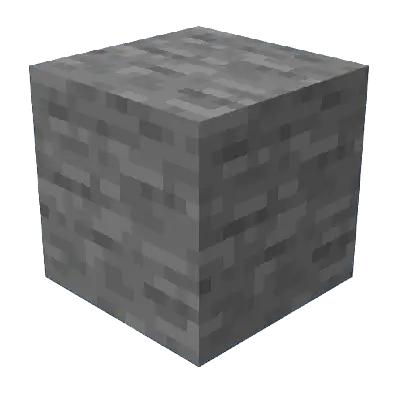 | 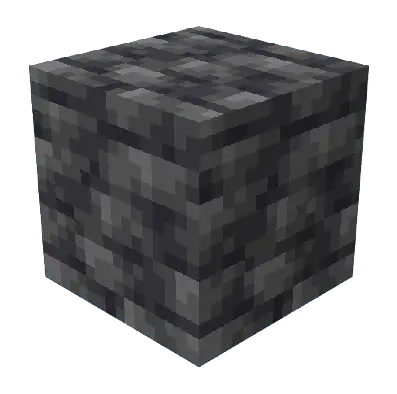 | 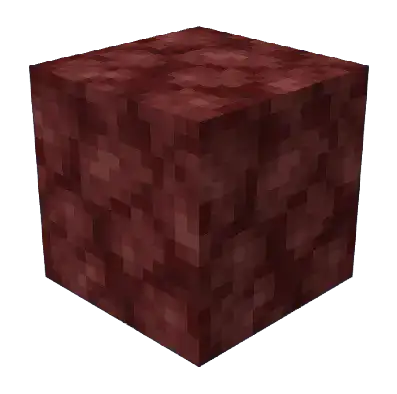 | 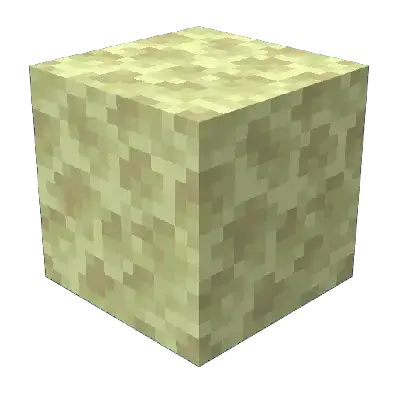 |
Budding blocks can be obtained in 2 ways:
- By mining budding block with a pickaxe that has Silk Touch enchantment
- Crystallization of basic blocks
Crystallisation process can be started by right-clicking with the crystal seed on the base material.
At this point, the base material will be transformed into a crystalising block.
The crystallisation process takes time and there is a chance that crystallisation will fail.
If a failure occurs, the crystalising block will turn back into the base material and the player will lose the crystal seed that was used to initiate the crystallisation. e.g.: Crystalizing block -> Stone
The crystallisation process can be boosted with Crushed Calcite. This boost cause that crystallisation process will progress to another stage and chance for failing will be reduced.
If crystallization is successful, the crystalizing block will change to a budding block. The type of budding block is determined by the used base material + crystal seed. e.g.: Red Crystal Seed + Stone -> Stone Budding Red Crystal.
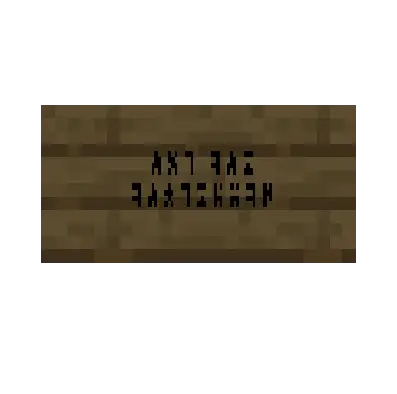
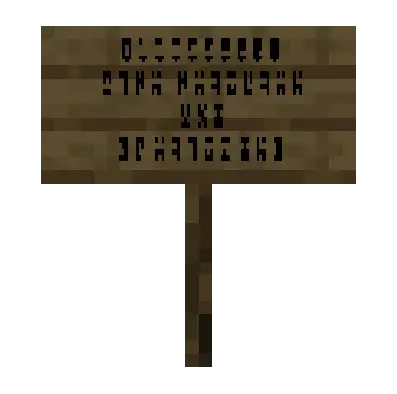
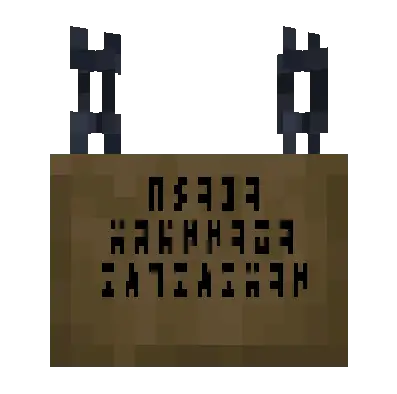
Ancient language
Section titled “Ancient language”Ancient language was an integral part of the series and films. You will find several references in individual GUIs, but now you will be able to use it too!
You can use this language in the game:
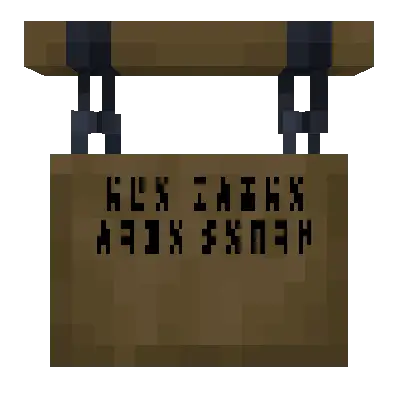
- ancient signs - signs can only be placed on block walls
- classic minecraft signs. simply write the text on the sign and click on the side with the text with black chalk! The text you see on the sign will change from Latin characters to Ancient!
 |  |  |  |
Cauldron recipes
Section titled “Cauldron recipes”Because some items require different crafting - mixing alloys or dipping, JSG is adding new ways to craft - using cauldrons!
Alloy mixing
Section titled “Alloy mixing”The entire process of alloy mixing with cauldrons consists of 3 basic steps:
1. Melting of material
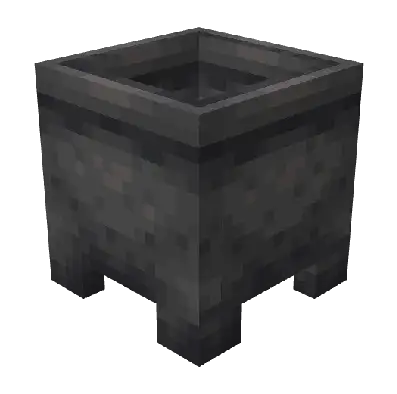
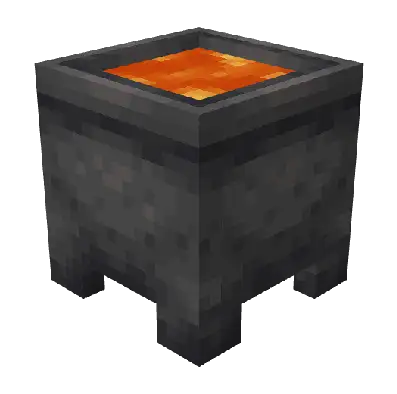
Section titled “1. Melting of material”First, place 1 bucket of lava in the cauldron, then click on the cauldron with the material you want to melt - it must always be an ingot! At this stage, the ingot has become a liquid
 |  | 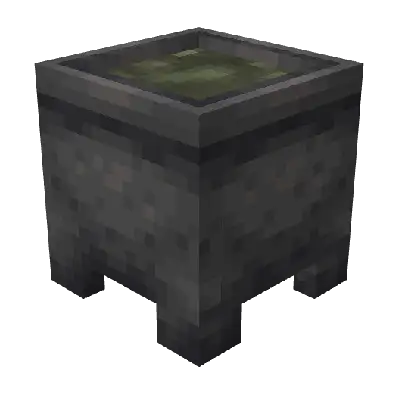 | 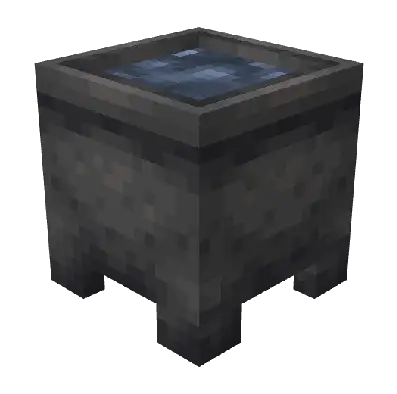 | 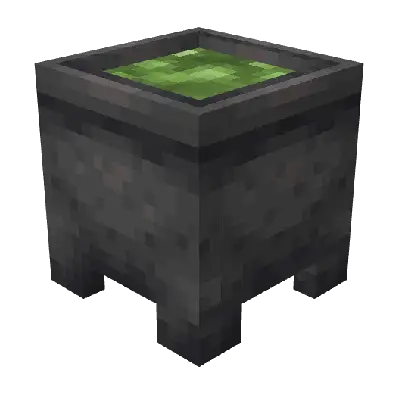 | 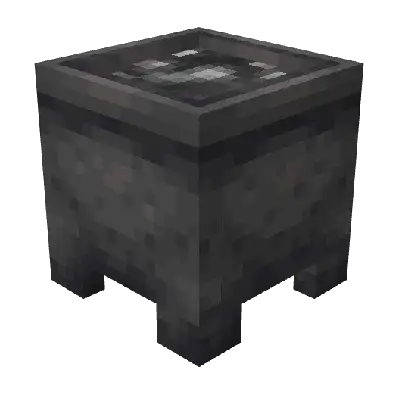 | 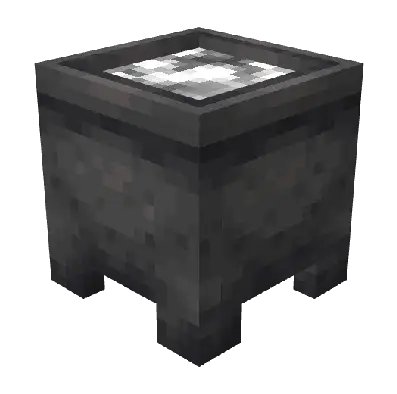 |
Now you can continue with point 2, 3, or 4 or you can scoop the liquid into a bucket
Supported ingots: Raw Naquadah Ingot, Naquadah Alloy Ingot, Refined Naquadah Ingot, Titanium Ingot, Trinium Ingot
Lava serves as a heat source for melting the material and is consumed in the melting process.
2. Alloy mixing
Section titled “2. Alloy mixing”This point is not mandatory, but it is necessary to transform the given liquid into another type of liquid.
Now that the cauldron is filled with the desired liquid, right-click on the cauldron with the material you want to use to create the alloy. If the given material is correct, a new liquid - alloy - will be created from the original liquid.
| | |
Supported recipes for creating alloys:
Raw naquadah + Iron ingot = Naquadah Alloy
Naquadah alloy + Nether quartz = Refined Naquadah
3. Liquid cooling - casting
Section titled “3. Liquid cooling - casting”If there is liquid in the cauldron that you want to create an ingot from, just right-click on the cauldron with a snow block. At this point, the liquid is consumed and an ingot is created.
Dipping
Section titled “Dipping”Now that the cauldron is filled with the desired liquid, right-click on the cauldron with the item you need to dip in the liquid. If the item is correct, it will create a new item from the original item.
 |  |  |
Supported item dipping recipes:
Naquadah alloy + Control Circuit Base = Naquadah Control Circuit
Trinium + Control Circuit Base = Crystal Control Circuit
Cartouches
Section titled “Cartouches”Cartouche was important part of original Stargate movie and later main source of information for Stargate database.
JSG contains these cartouches and they are an very important part of survival game mechanics. Because address system is based on system known from the series, JSG contains several types of cartuches - for 6-symbol address, for 7-symbol address, and for 8-symbol address. These cartouches are available in variants with and without Point of Origin.
If cartouche is generated in structure - there is a 20% chance of missing Point of Origin and 10% chance of missing symbol from address, this is valid for each symbol of address.
Material from which the cartouche is made determines its appearance.
Writing address on cartouche
Section titled “Writing address on cartouche”Address can be written on already placed cartouche. This writing is done using 2 tools:
- Filled out notebook page with address for writing placed in left hand (slot for shield)
- With a hammer in his right hand (active inventory slot)
Writing itself is done by right-clicking with hammer on cartouhce. If symbols are missing on notebook, these symbols will also be missing on cartouche. If address is longer than the cartouche allows for writing, only symbols visible on cartouche will be overwritten.
Writing address on notebook page
Section titled “Writing address on notebook page”If cartouche contains written address, either written by player or generated in structure, it is possible to copy this address on notebook page. For this copy, it is necessary to use 2 tools:
- Empty notebook page in left hand (slot for shield)
- Black chalk in right hand (active inventory slot)
Address is copied by clicking on cartouche with black chalk. All symbols visible on cartouche are transferred to notebook page at that moment. The address is not removed from cartouche during this process.