

Stargate
Mod contains 5 variants of stargates. However, this does not mean that each stargate has its own unique address system. These stargates can be connected to the respective DHD according to the address system used by the stargate - more about dhds in the DHDs section. The only exception is the Tollan Gate, which can be paired with MilkyWay DHD only if one of the computer integrations - OpenComputers or ComputerCraft - is not installed in modpack
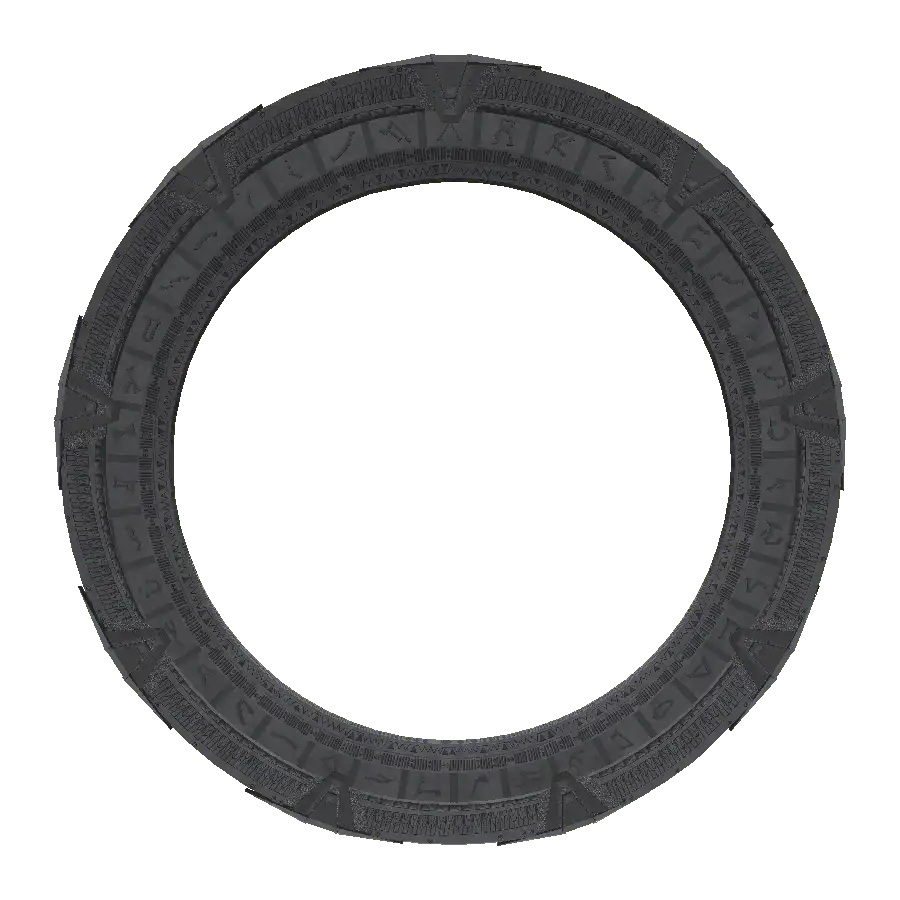 | 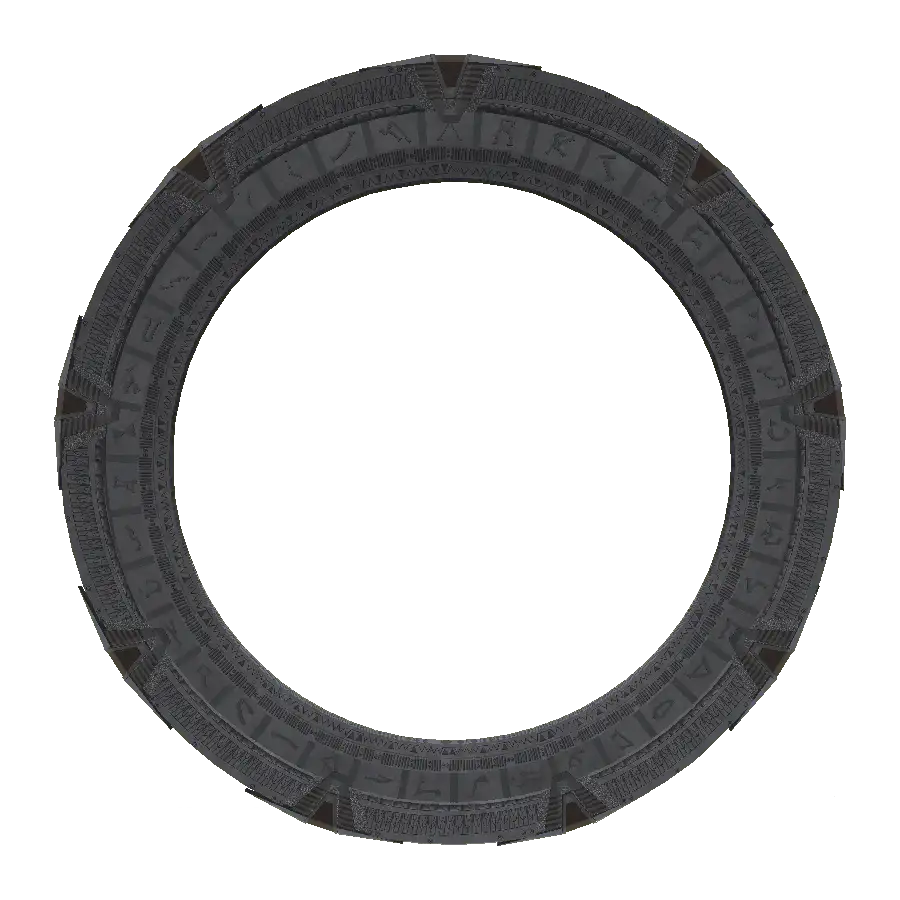 | 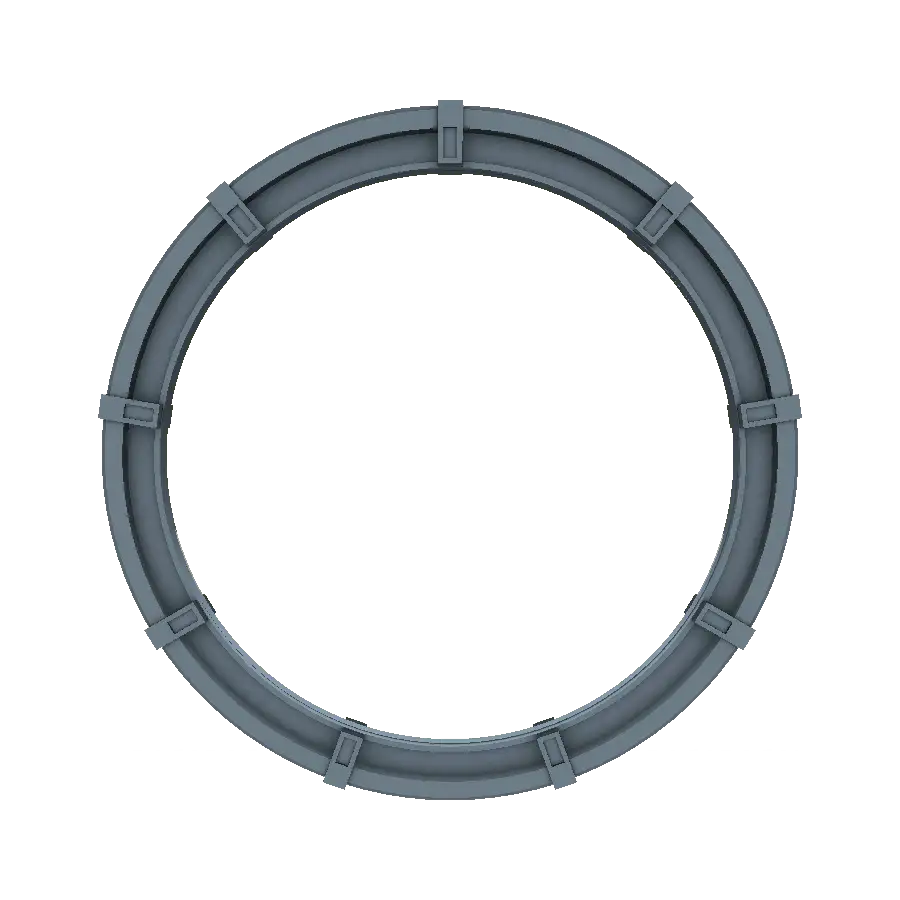 | 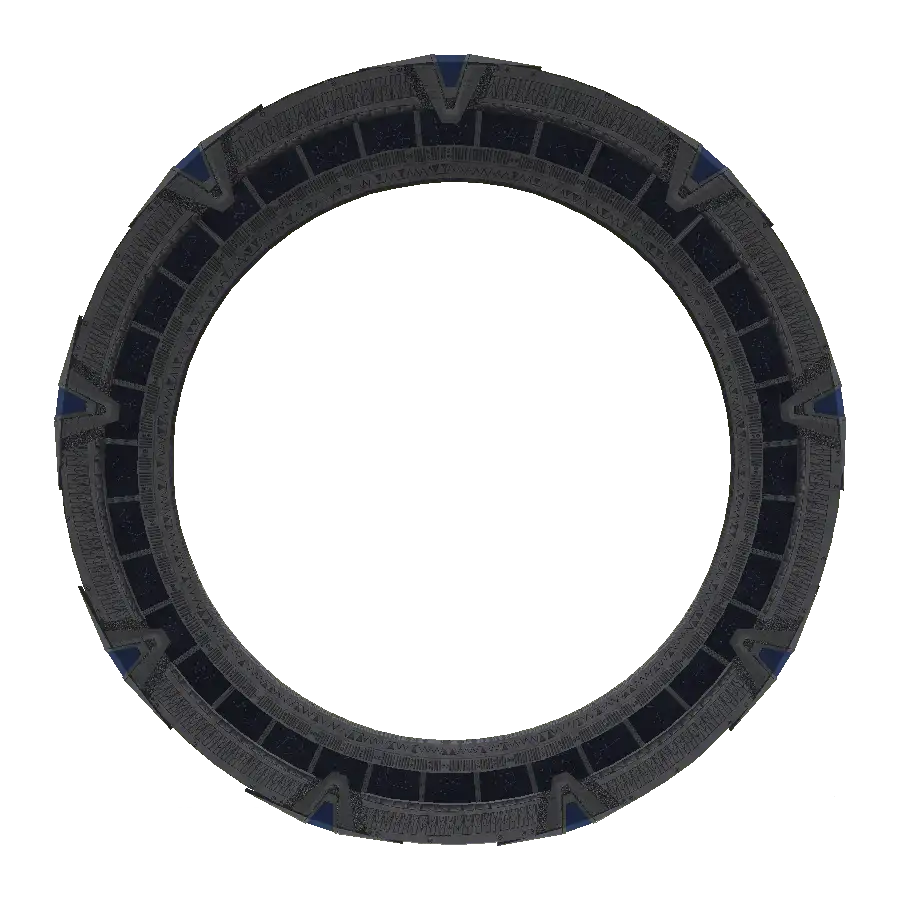 | 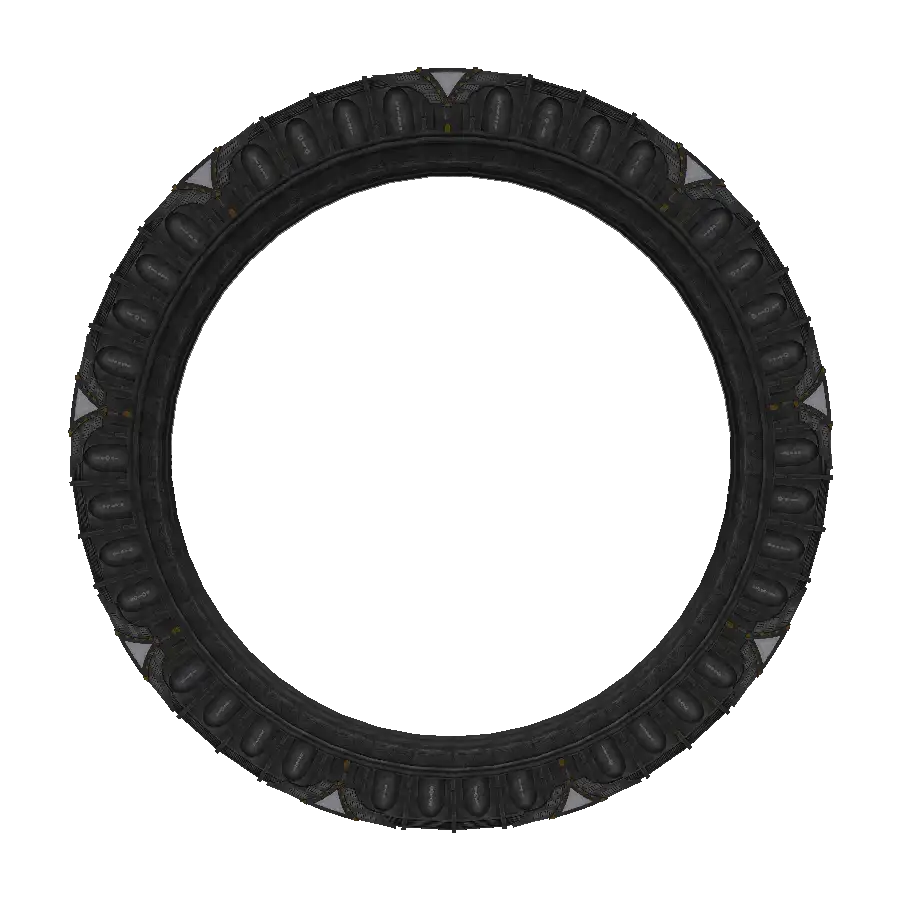 |
Construction
Section titled “Construction”Stargates can be placed in all directions - facing north, south, east, west and even up and down. The position and direction a stargate is facing does not determine whether a given pair of stargates can connect - e.g.: Stargate facing south and stargate facing downwards can connect.
These stargates have only one model variant, but they have several appearance variants - you can find more about overlays in separate section of this documentation.
Point of Origin
Section titled “Point of Origin”The mod contains 5 Points of Origins for Milkyway stargates.
These can be assigned automatically - depending on which biome or dimension a stargate is in.
Settings for this assignment can be set in the jsgDimensions config with the parameter MilkyWayOrigins or in stargate GUI in-game config. These PoOs change not only on the stargate glyph ring, but also on the linked DHD
Milkyway PoOs can be extended using PoO library, which adds 20 new PoOs
 |  |  |  |  |
GUI (Interface)
Section titled “GUI (Interface)”The Stargate GUI can be opened by right-clicking on any merged Stargate block. This GUI displays important information and allows to install modules that may extend the functionality of stargate. Unlike the classic Minecraft GUI, there are pull-out tabs here. Some tabs only appear after installing the appropriate module.
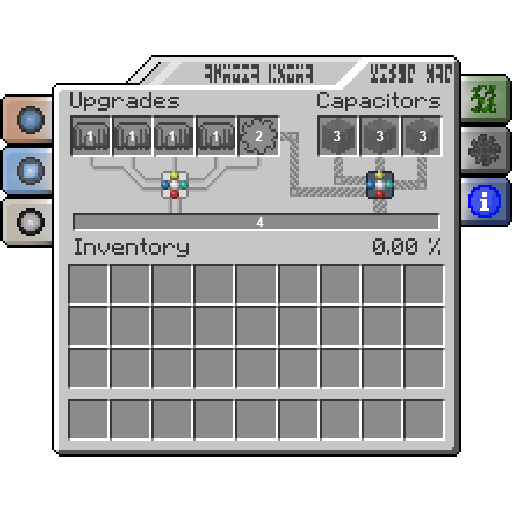
- Slots (1) for glyph crystals, allowed modules: MilkyWay glyph crystal, Pegasus Glyph crystal, Universe Glyph crystal, Stargate Glyph crystal
- Slot (2) for defensive barrier, allowed modules: Iris (tier 1, tier 2, creative), shield
- Slot (3) for Capacitors, allowed modules: Capacitor, Creative Capacitor
- Energy Buffer (4), this bar displays the amount of energy available in stargate
 |  |  |  |  |
Address tab:This tab is only displayed if a glyph crystal is inserted into one of the crystal slots. This tab also allows you to write addresses to a notebook page or, in the case of universe addresses, to the universe dialer memory. More about the address systems in section stargates/getting startedConfig tab:This tab is only visible when the player is in creative mode. In the tab, configuration parameters of the given stargate can be edited e.g.: RIG, timer behavior, number of capacitorsOverlay tab:This tab is used to change the texture of the stargate. This is done by inserting a specific item or block into the slot in this tab. More about Overlays can be found in the separate section of this documentationIris tab:This tab is only displayed if a protective barrier - Iris / Shield - is installed in the stargate. In this tab, you can also set the behavior of the Iris and assign it an IDC (Identification Code). You can find more about iris in the section stargates/iris and GDOInfo tab:This tab contains important information about the stargate that no longer fits in the GUI e.g Gate Temperature, Iris Temperature, Opening Time
Modules (Upgrades)
Section titled “Modules (Upgrades)”Stargate can be equipped with modules, all modules are placed in the Stargate GUI in predetermined positions. These modules can be divided into 2 categories:
- Informational
- Functional
Informational modules
Section titled “Informational modules”These modules are placed in the slots located on left side. They only serve to gain information about the Stargate and do not affect its function!
 | 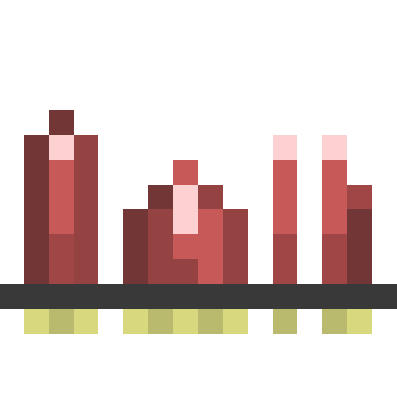 |  | 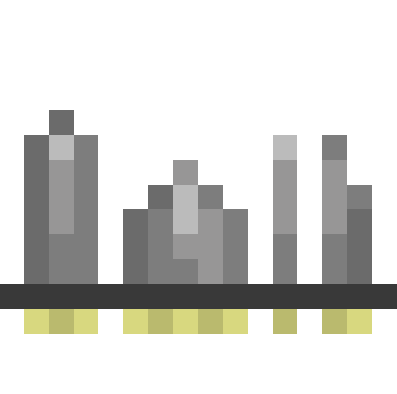 |
These modules unlock a tab on the left side that displays the address symbols when opened. In this tab, in the lower right corner, there is a slot where you can place a notebook page. Once progress bar for that slot fills, the address will be written to that notebook page
Stargate glyph crystal
Section titled “Stargate glyph crystal”This module does not work on its own. It allows you to view complete 8 glyph (excluding PoO) address in the corresponding tab
MilkyWay glyph crystal
Section titled “MilkyWay glyph crystal”This module is used to display the first 6 symbols of Milkyway address
Pegasus glyph crystal
Section titled “Pegasus glyph crystal”This module is used to display the first 6 symbols of Pegasus address
Universe glyph crystal
Section titled “Universe glyph crystal”This module is used to display the first 6 symbols of Universe address. This single tab allows you to enter addresses not only on a notebook page, but also in a universe dialer
Functional modules
Section titled “Functional modules”These modules are placed in the remaining slots located in middle and on right side. Functional modules unlock additional features or enhance existing ones as such will hear in be referred to as upgrades!
 |  |  |  |
These upgrades expand the gate with additional useful functions or features. Upgrades unlock the energy storage of the stargate, change its appearance (possibly even PoO) or add a protective barrier - Iris / Shield
Capacitor
Section titled “Capacitor”Each capacitor expands the internal energy buffer. Buffer is divided into 4 parts: 1 part is basic storage and each of the 3 parts is unlocked by inserting a capacitor into the appropriate slot. Capacitors are the only upgrade and are affected by the current state of the stargate - capacitors are charged and discharged in stargate
Iris & Shield
Section titled “Iris & Shield”This upgrade adds defensive capabilities to the stargate. More about this upgrade in section stargates/iris
Overlay
Section titled “Overlay”This upgrade affects the appearance of Stargate. More about this upgrade can be found in the next section of this documentation
Biome overlays
Section titled “Biome overlays”Stargates change their appearance depending on the biome they are in. This change in appearance depending on the location is called Biome Overlay. This overlay is assigned automatically according to the parameters set in biome overlay tags. However, overlay can also be overridden - in the GUI it is located on the right side of the biome overlay tab. Blocks or items that characterize the given overlay can be placed in this tab - these blocks or items can be edited using biome overlay items tag
 |  |  |
The mod now contains 5 overlays: Normal, Aged, Mossy, Sooty, Frosty
Only these stargates change their appearance: MilkyWay, Pegasus a Universe
Only exception is the Universe stargate, which does not have a sooty overlay.